I never thought much about my grocery shopping list until I went shopping for Thanksgiving with my mom. We were making dinner at her house, and I asked her if she had her list. She assured me she had a very complete list. We headed into the store and when I asked her if I could see it, she informed me it was all in her head!!!! Needless to say, we were in the store a long time, and we forgot a few items!
After that I started asking people how they made their grocery lists, and I found out not many do what I do. My daughter told me I should do a post about it because even though it seems natural to me, she said it is very unique!
I used to do this on a written list, but Reminders on my apple iphone changed how I do it now. If you don’t have Reminders, I know there are other apps you can use. You can also do this with a written list as I used to. It just takes a few minutes before you shop to get it organized.
I share my grocery list with my family so they can add items when they see we need something. I’ve had items pop up while I’m shopping because someone added something and it synchs automatically. I love that everyone knows if you want something, put it on the list. If you use the last of something, put it on the list!
Before I head to the store, I organize my list. I’m a shopper, so I know the grocery store pretty well. I put my list in order of the store so I don’t spend time back tracking. Reminders allows you to make folders and that is really helpful. I start with the main areas: produce, dairy, frozen, etc.
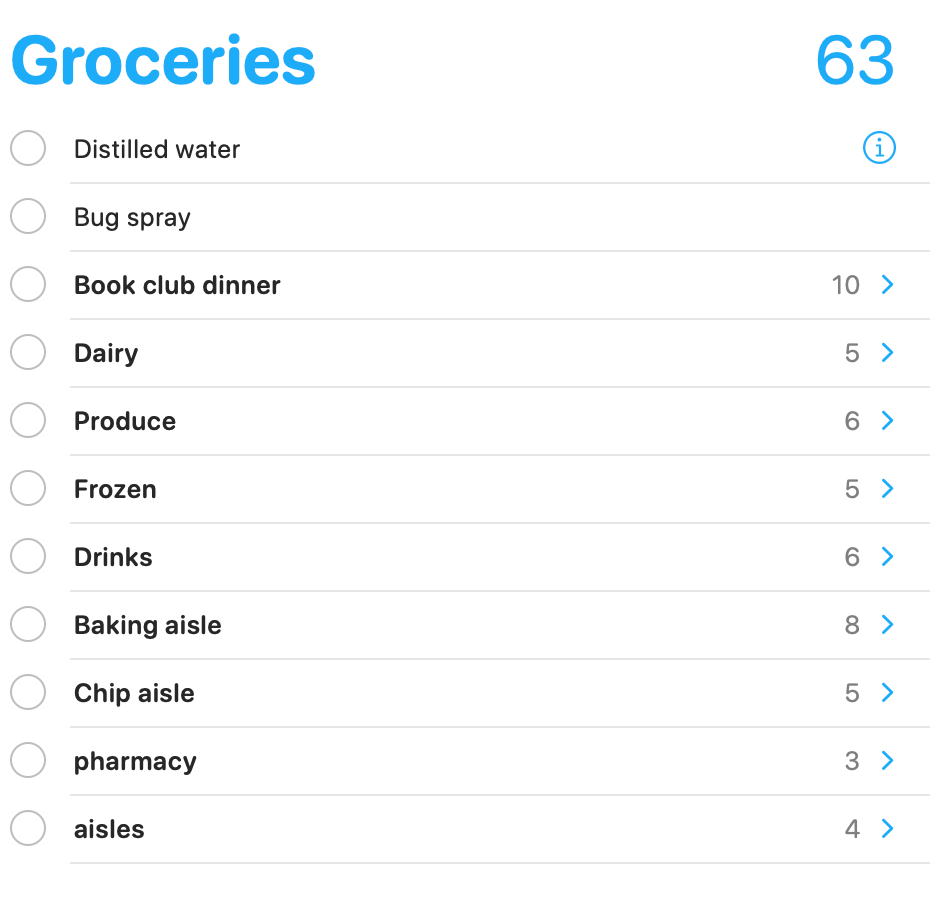
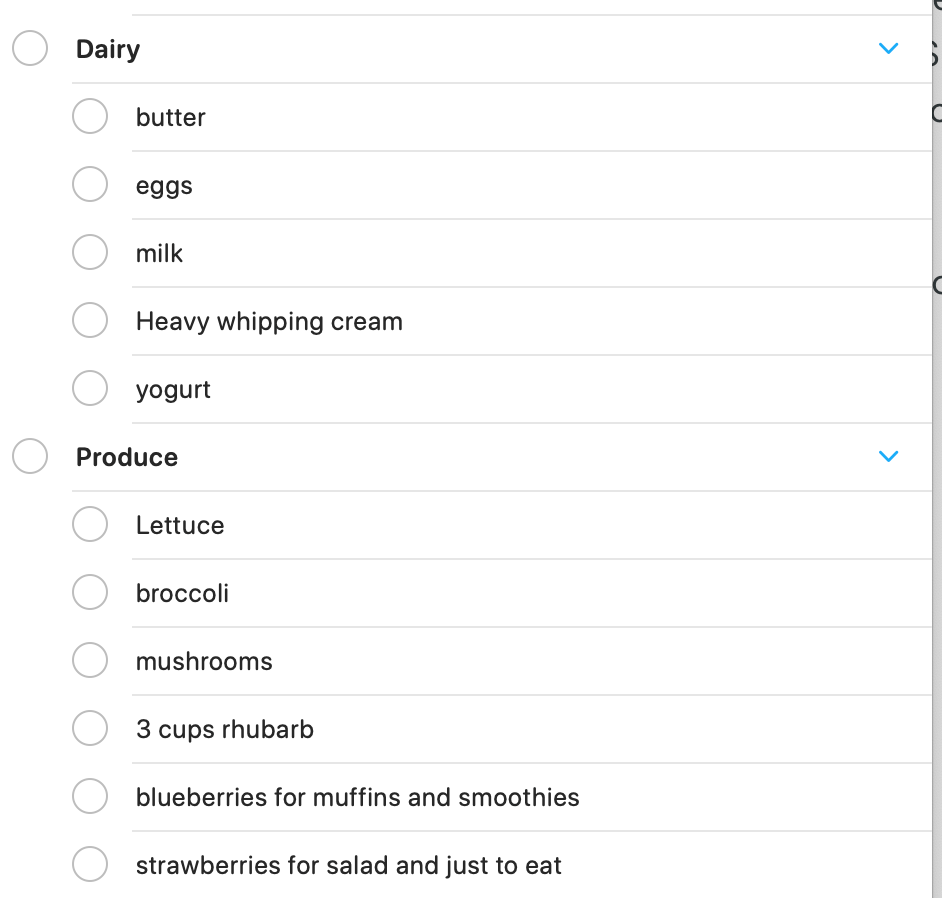
When you have the folder, you can drag and drop the item into the folder. If you click the little blue arrow, it opens the folder.
When I have a specific thing that I have to shop for, I create an event for that first. You may have noticed that the first list had “Book club dinner” as one of the items. I listed everything I want to make in that list first and then drag and drop to the correct folder for when I’m shopping.
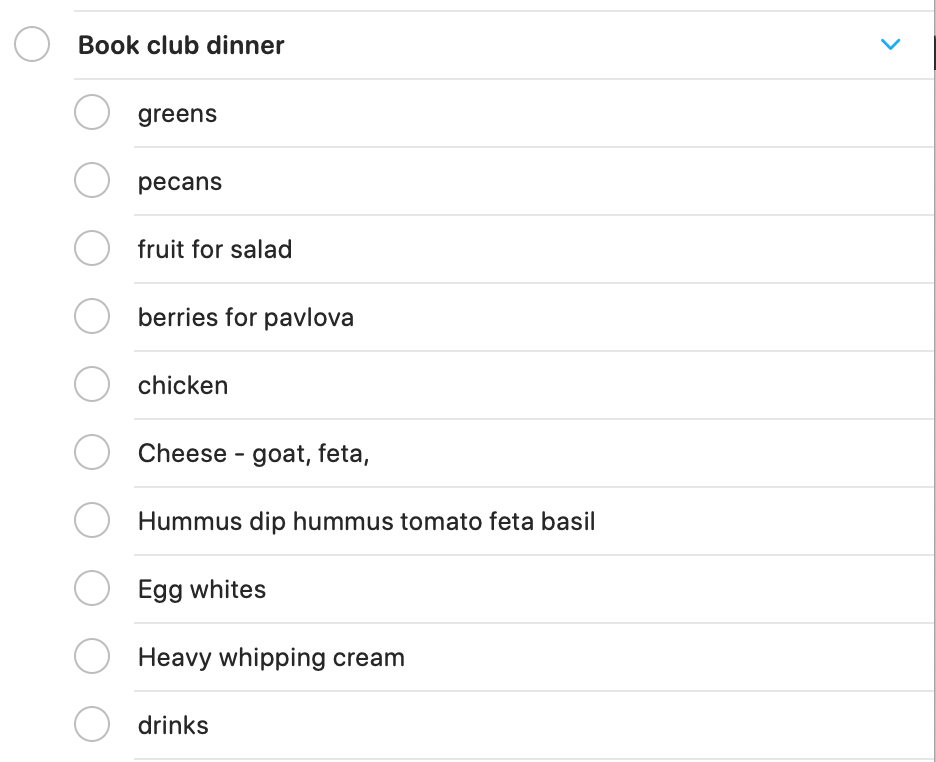
The reason I like doing the Book club dinner list first is I can clearly see that I have everything I want for that dinner. I then move the item to the shopping list I created in the order of my shopping. I have found this really helps with making sure I get everything I need when planning events and shopping for them.
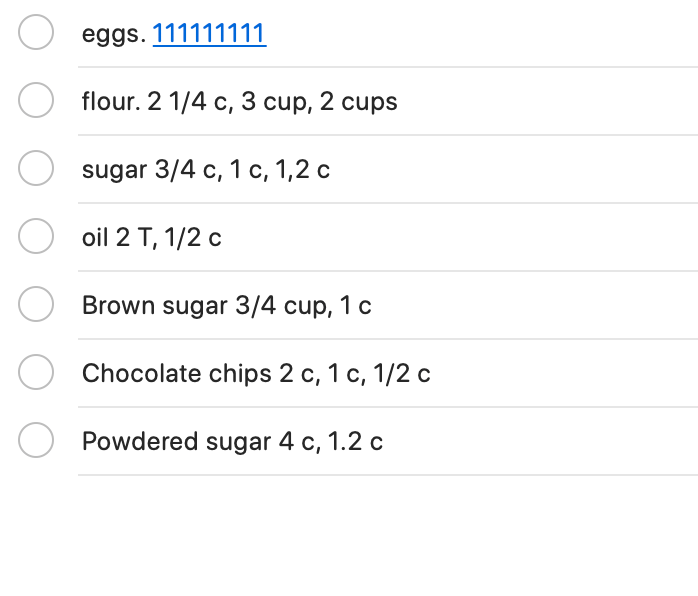
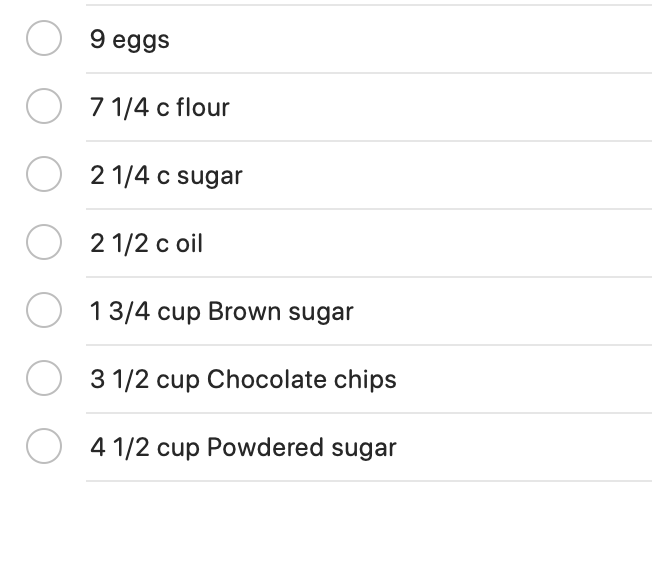
When I’m making my Christmas cookie baking, I go over all my recipes and mark on my list what I need and how much. It takes a little bit of time to do this for big baking (I make about 24 different cookies) I write down what I need for my first recipe and put the amount. Then the next recipe, I add the amount I need. When I have all the ingredients and amounts written down, I add them up and drag and drop them on my list in the category to purchase. It’s hard to determine how much flour you need when baking that much so this really makes sure I don’t run out of anything.
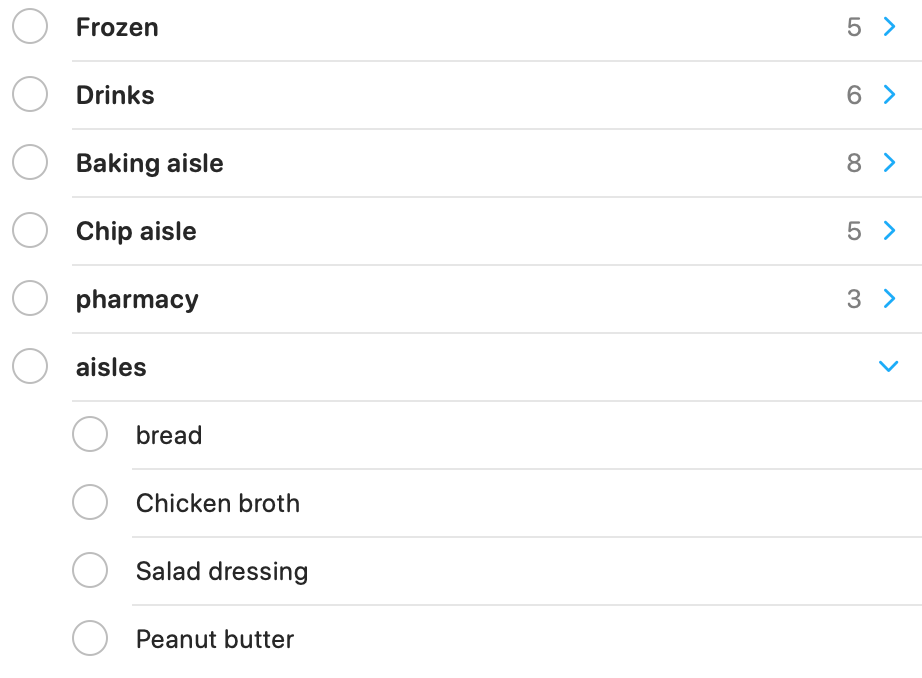
Certain aisles are obvious so I make lists for them – like baking aisle, chip aisle, drinks, pharmacy. There are always items that you aren’t sure what aisle they are in, so for those items I put them under aisles. It’s like a miscellaneous category.
I really like that on this app, as you shop, you mark them off and they go away. I find that most of the list is gone by the time I’m looking for the items in aisles. If you’re doing a written list, you just cross them off.
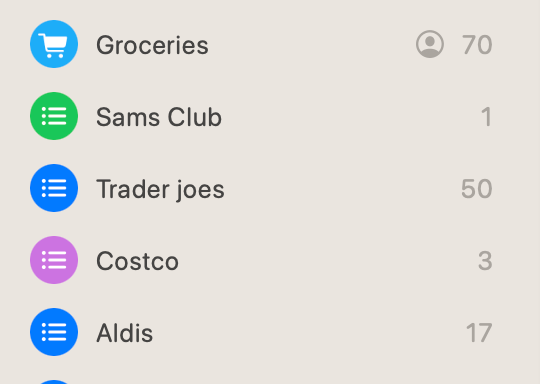
I also make lists for different stores so I can add those items to the correct store for ease of shopping. I also add items to these store that I might like – when you see an ad for instance for Trader Joes. They advertise so many yummy things. If I see something that I might like, I put it on the list. When I actually go, I remember what I wanted to find.
I hope this helps when you go shopping. I’m guessing many of you DO make your list like this too but for those of you that don’t I hope this helps you! As with almost everything, the time you spend organizing is so worth it! I’d love to hear your questions and comments on your shopping lists! Happy Shopping!
 Good for your soul
Leave a comment